
#1 Tally Education
Franchisee in India
— Learn & Grow
Tally Shiksha is the leading Tally Education Franchisee in India, empowering 13,000+ students with Tally Prime, GST, MS Office & computer skills through 170+ franchise centres across the country.


Why Tally Shiksha is the Best
Tally Education Franchisee in India
As a premier Tally Education Franchisee in India, we provide unmatched support, updated curricula, industry tie-ups and real placement assistance to every franchisee and student in our network.
Expert Trainer's Training
Every franchisee receives dedicated trainer's training with certified study materials before centre launch.
Pan-India Franchise Network
170+ active centres across CG, MP, Jharkhand, Odisha & beyond – the widest Tally Education Franchisee in India chain.
Recognised Certification
Printed, verifiable certificates accepted by CA firms, industry employers and Tally partner companies across India.
Placement Assistance
HO-supported placement drives connecting students to real jobs in accounting, taxation and IT departments.
Job-Ready Courses at Our
Tally Education Franchisee in India Network
Courses designed by industry professionals, updated regularly to match job market demand. Available in Hindi & English across all franchisee centres.

C-CAT: Basic Computers, MS Office, Tally Prime & GST
Comprehensive job-ready course covering Basic Computers, full MS Office Suite, Tally Prime accountancy & GST compliance — all in one.
Enrol Now
Tally Prime Advanced with GST (Hindi & English)
Master inventory management, multi-branch accounting, GST filing & payroll in Tally Prime — the most demanded skill by employers.
Enrol Now
Microsoft Office with Excel
Data entry, Word processing, Excel spreadsheets, PowerPoint presentations — practical Office skills for daily office & business use.
Enrol Now
GST – Tally Prime (Hindi & English)
GST law basics, activation in Tally Prime, billing, returns & reporting. Ideal for accountants, business owners & tax professionals.
Enrol Now
Diploma in Computer Application (DCA)
One-year computer diploma covering programming tools, Office applications and IT fundamentals. University & non-university options available.
Enrol Now
Marg Professional ERP
Marg ERP inventory & accounting software certification — widely used by retail, pharma & wholesale businesses across India.
Enrol Now
Basico – Basic Computer & Internet
Computer literacy course for beginners covering fundamentals of computers, internet, and day-to-day digital working knowledge.
Enrol Now
Certification in Graphics Designing
Design logos, banners, thumbnails & social media creatives. Learn professional graphic design tools for creative careers.
Enrol Now
Certification in Social Media Marketing
Learn social media strategies, content creation, and digital marketing tools to drive business goals and build a career as a social media manager.
Enrol NowStart Your Own
Tally Education Franchisee in India
Join India's fastest-growing Tally Education Franchisee in India network. Low investment, high returns and complete HO support from Day 1.
Become a Tally Education Franchisee in India with Tally Shiksha
Tally Shiksha offers one of the most profitable and supported Tally Education Franchisee in India opportunities. You get complete training, marketing materials, software support and placement assistance — we grow together.
Call: 9111888012 WhatsApp UsWhat You Get as a Tally Education Franchisee in India
Trainer's Training
Marketing Support
Google & Social Listing
Lead Generation
Study Material & Kit
Online Examination
Mock Tests
Printed Certificates
Placement Assistance
Social Media Posts
Annual Business Meet
Webinars & Planning

About Tally Shiksha – Tally Education Franchisee in India
Tally Shiksha is India's leading Tally Education Franchisee in India, established with the vision of bridging the skill gap in accounting & computer education. Headquartered at 309, Shyam Square, Pandri, Raipur (CG), we operate a network of 170+ franchisee centres across Chhattisgarh, Madhya Pradesh, Jharkhand, Odisha and beyond.
Our courses are crafted by industry professionals, updated to match real job-market demands. Students trained at our Tally Education Franchisee in India centres get certified, job-ready and placed in top companies. Our franchisees receive end-to-end support — from trainer training to digital marketing — making this one of the most rewarding education business opportunities in India.
We are proud members of India's accounting & skill education ecosystem and work closely with MSME, MCA, and industry partners to provide genuine career upliftment.
Our Sister Concerns
Technology-driven education platform for skill development & digital learning.
Tally & Digital Marketing Academy for advanced professional training.
India's largest Tally Education Franchisee in India network. 170+ centres.
The Team Behind India's Top
Tally Education Franchisee in India
Meet the experts driving Tally Shiksha's growth across India.
Founder & Director
Visionary leader of India's largest Tally Education Franchisee network.Academic Head
Designs and updates all course curricula for Tally Shiksha franchisees.Operations Manager
Ensures smooth functioning of all 170+ Tally Education Franchisee in India centres.Marketing Head
Drives digital marketing, lead generation and franchise growth strategies.Placements at Our
Tally Education Franchisee in India Network
Our students are placed in CA firms, manufacturing companies, retail chains and government-linked organisations across India.

"After completing Tally Prime Advanced at my local Tally Education Franchisee in India centre, I got placed within 2 months. The certification was accepted immediately by the CA firm."
"The C-CAT course at our Tally Shiksha franchisee centre gave me both Tally and MS Office skills. I'm now earning ₹15,000/month within 3 months of course completion."
"Our Tally Education Franchisee in India branch in Bhilai provided excellent placement support. The GST-Tally Prime course was exactly what the employer required."
"I joined the DCA programme at Tally Shiksha. The university certificate and practical Tally training helped me secure a government-sector office job."
"The Marg Professional and Tally Prime combined training at our Tally Education Franchisee in India centre made me uniquely qualified. Got promoted within 6 months."
"After the Graphics Designing & Social Media Marketing course at Tally Shiksha, I started my own freelancing business. The HO placement cell also helped me find my first client."
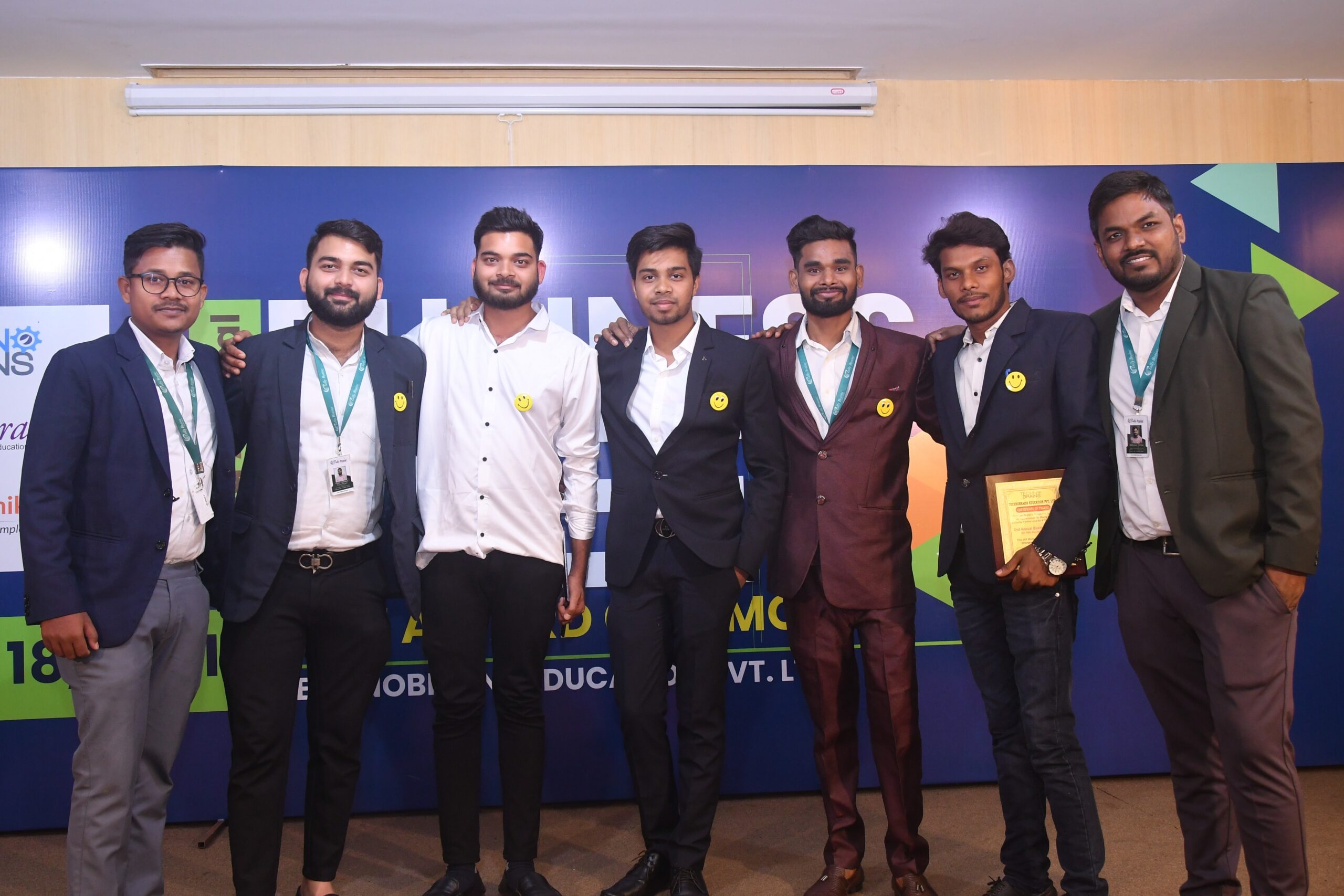
Our Tally Education Franchisee in India in Action
Events, seminars, kit distributions and student ceremonies across our pan-India network.


Our Partners & Employer Network






Frequently Asked Questions – Tally Education Franchisee in India
Everything you need to know about our courses, franchisee model and student support.
Contact Tally Education Franchisee in India – Tally Shiksha
Reach us for admissions, franchisee enquiries, or student support. Our team is available Mon–Sat, 9AM to 6PM.